External prototypes load through a controlled hosting layer.
Deep dive 04 · Architecture
One backend, many ways in.
The system keeps capture flexible while preserving one identity, permission, storage, and retrieval model.
System map
Every client reaches the same source of truth.
Ten edge functions handle focused jobs around a shared Supabase core. New clients reuse the same product model instead of creating a parallel library.
Surfaces
Eleven ways in, and not all of them are shipped.
Built and shipped are different claims, so the status column says which. Nothing here is in a store: the Safari extension is signed and notarized for direct install, and everything else is either live on the web or handed out by hand.
Public URLs
One reference, packaged for people outside the workspace.
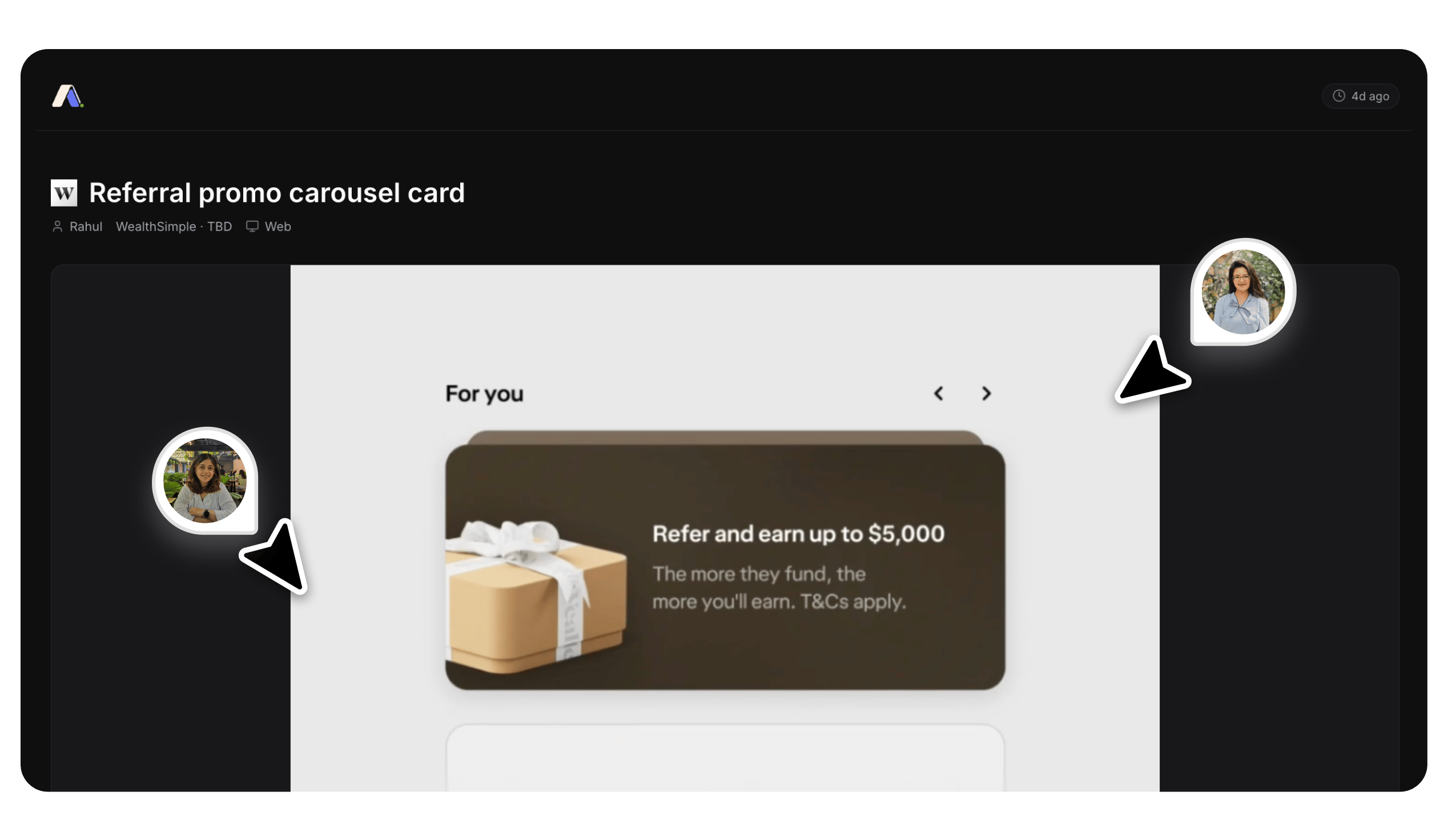
The public view keeps attribution, platform, recency, and the actual screen together, so a share link has context instead of becoming another loose screenshot.
Edge layer
Ten functions, each with one job.
Grouped by what they are for. The three metadata functions run after the fact, on first render rather than at capture, so a slow third-party lookup never blocks someone saving a reference.
One capture, traced
A screenshot from a group chat to a searchable reference.
The rest of this page describes the shape of the system. This follows one thing through it. Telegram is a capture path because the designers were already dropping screenshots into a chat, so the habit got supported instead of fought.
- Send
A designer sends a screenshot to the bot.
- Authenticate
Webhook and teammate checks fail closed.
- Store
Media is uploaded and an unlabelled row is created.
- Search
The bot replies. The draft is searchable by name.
- Verify
A person reviews it before agents see it.
Why “verified” can be trusted
Labelling is never automatic. There is no server-side model call anywhere in the project: an AI drafts a label through a prompt a person runs, or an agent submits one over MCP. Either way it arrives as “needs review”. Four independent things stop a machine publishing to the library.
- The write endpoint hard-codes the status to needs_review. A submitted "verified" is discarded, not honoured.
- Verified is written in exactly one place in the codebase: a person clicking Verify, behind ten validation rules.
- A human pasting AI output that claims verified gets a draft instead, with a visible warning.
- The read API distrusts it anyway, filtering AI-authored records that are not verified on both search and direct lookup.
What happens when it goes wrong
- Sender is not on the team
- Ignored silently. No reply at all, so the bot does not confirm it exists.
- Unsupported file
- A help reply naming what is accepted. Nothing is stored. A video or PDF sent as a document is refused.
- Upload fails
- Reported in the chat. No row is created, so there is no orphan record.
- Insert fails after the upload succeeded
- Reported in the chat, and the file is left orphaned in storage. This is the case the manual purge function exists to clean up.
- The same URL again
- Answered as "already in catalogue" rather than as an error.
Offline capture
A lost connection should not lose the reference.
Mutations wait in a local queue while image blobs remain available. Reconnection flushes the queue in order.
Security model
Humans and machines use different credentials.
The product separates durable human authentication from narrow machine sessions. Each credential follows the risk of its client.
CredentialStorageControl
Human passcodeArgon2id hashAccount lifecycle
Agent sessionSHA-256 hashScoped, expiring, revocable
Telegram webhookAuthenticity checkReject untrusted requests
Platform details
Small infrastructure choices protect the experience.
The service worker intercepts only the share flow it owns.
Team identity stays stable across invitations and comments.